Why Sign Schedules Matter
In any signage project — hotels, malls, condominiums, hospitals — the sign schedule is the document that connects planning to installation. Without it, signs get missed, duplicated, or fabricated with wrong specifications.
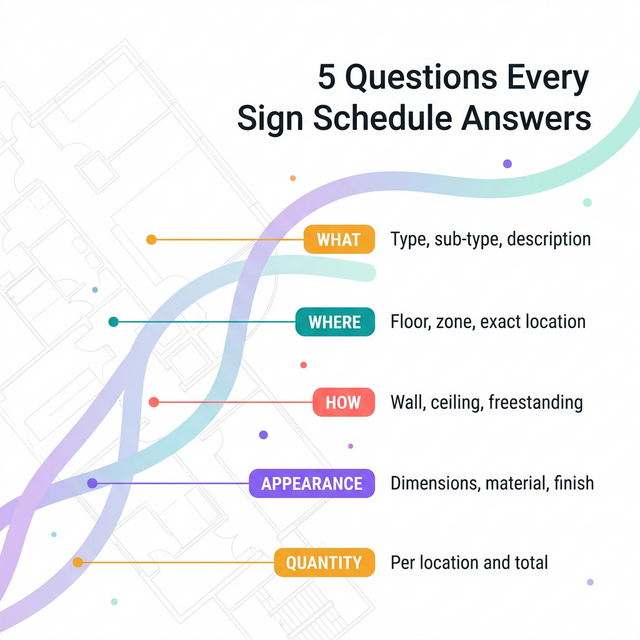
A sign schedule answers five questions for every sign:
- What is it? (Type, sub-type, description)
- Where does it go? (Floor, zone, exact location)
- How is it mounted? (Wall, ceiling, freestanding, recessed)
- What does it look like? (Dimensions, material, finish)
- How many are there? (Quantity per location and total)
Anatomy of a Sign Schedule
A typical sign schedule contains these columns:
| Column | Description | Example |
|---|---|---|
| Sign Code | Unique identifier | D-01, ID-03, R-07 |
| Type | Functional category | Directional, Identification |
| Description | What the sign communicates | "Arrow to Lobby" |
| Floor | Building level | L1, L2, B1 |
| Location | Specific position | "Corridor junction near lift lobby" |
| Mounting | Installation method | Wall-mounted, Ceiling-hung |
| Material | Substrate and finish | Brushed aluminium, Acrylic |
| Quantity | Number at this location | 1 |
How to Create a Sign Schedule
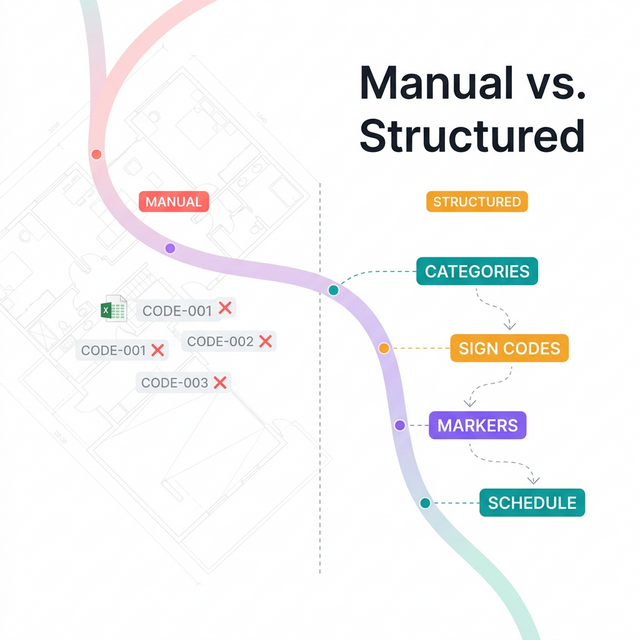
Manual Method
- Walk the building or review architectural floor plans
- Identify every location that needs a sign
- Assign a unique code to each sign
- Record type, location, and specifications in a spreadsheet
- Cross-reference with the design brief for materials
- Review with the architect and client
This works for small projects (under 50 signs) but breaks down at scale. Hotels and malls can have 200–800+ signs across multiple floors.
Structured Method
- Define sign categories and create sign codes
- Upload floor plans and place sign markers at each location
- The system auto-generates the sign schedule from placement data
- Export as a document for client review and fabricator handoff
Every placement on the canvas becomes a row in the schedule. Changes propagate instantly.
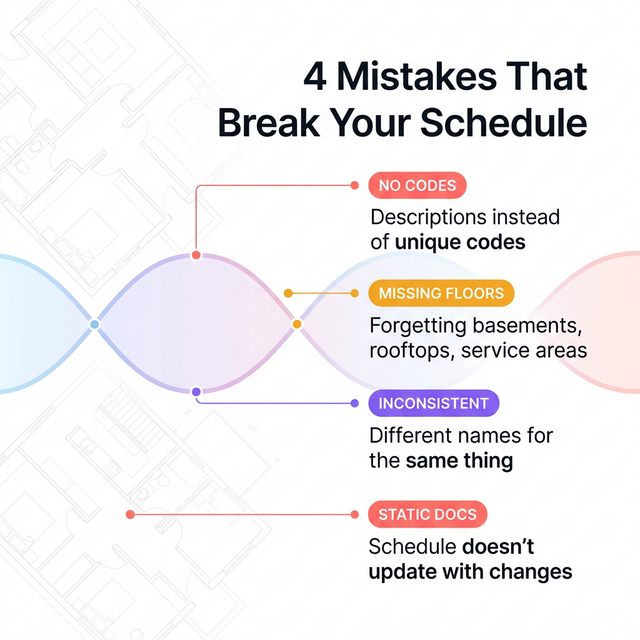
Common Mistakes
- No coding system — Using descriptions instead of unique codes makes cross-referencing impossible
- Missing floors — Forgetting basement, rooftop, or service areas
- Inconsistent naming — Different consultants using different conventions on the same project
- Static documents — A schedule that doesn't update when placements change leads to fabrication errors
Sign Schedule vs. BOQ
These are related but distinct documents:
- Sign Schedule — Lists every individual sign with its unique location
- BOQ (Bill of Quantities) — Aggregates the schedule into totals by sign type for procurement
The schedule feeds the BOQ. A complete, accurate schedule makes the BOQ reliable.